Local-first
Local-first AI coding with Ollama, LM Studio, vLLM, and llama.cpp
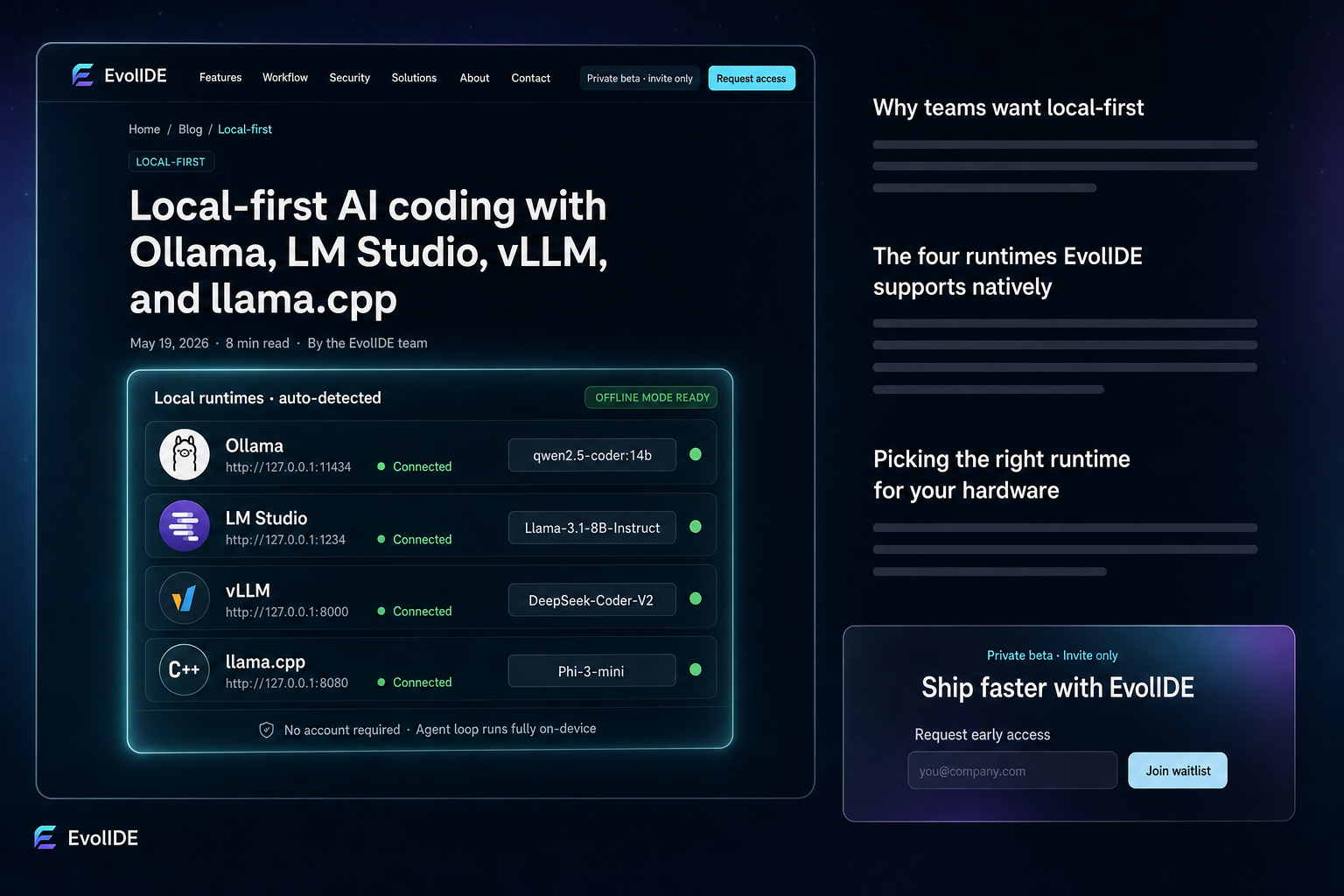
You don’t need an account or a cloud key to use an agent IDE. EvolIDE talks natively to the four major local model runtimes — Ollama, LM Studio, vLLM, and llama.cpp — and the agent loop works entirely offline. Mix in cloud only when it earns its keep.
“Local-first” gets used loosely. What it actually means: the IDE can do useful work on a laptop with no internet connection, no signed-in account, and no provider keys. The agent does not secretly need a cloud token to think. The context index is on disk. The model runs on the local GPU (or CPU). The patch lands locally. Done.
For a lot of teams that is non-negotiable. Defence, healthcare, finance, anything air-gapped, plus every engineer who has ever wanted to keep coding through a flight or a hotel-wifi outage.
Why teams want local-first
- Compliance — regulated industries cannot ship source code to a third-party inference API without explicit approval.
- Latency — a local 7–14B model answers in tens of milliseconds, not seconds. For short, frequent operations the user experience is dramatically better.
- Cost — local inference is “free” in the sense that the GPU is a fixed cost the org already owns.
- Resilience — when the cloud provider has an outage (and they all do), local keeps working.
- Sovereignty — a one-time activation unlocks the local IDE for a 6-month free trial; afterward the local meter stays free under fair-use limits. No subscription needed for the basic loop.
The four runtimes EvolIDE supports natively
Four local runtimes cover almost every developer hardware setup. EvolIDE probes for each on startup and lights up the ones it finds.
Ollama
The easiest on-ramp. ollama pull qwen2.5-coder and you have a coding model running. The client speaks the Ollama API directly at http://127.0.0.1:11434. Best default for developers who want to be productive in five minutes.
LM Studio
The best UI for browsing, downloading, and switching models. Exposes an OpenAI-compatible API at http://127.0.0.1:1234/v1. Choose LM Studio when you want a graphical control panel for your local models alongside the IDE.
vLLM
The fastest on serious GPU hardware. vLLM’s paged-attention engine extracts every drop of throughput from an A100 / H100 / 4090. OpenAI-compatible at http://127.0.0.1:8000/v1. Choose vLLM when you own a real GPU and want max throughput for batched agent work.
llama.cpp
The most portable runtime — it runs on a laptop CPU, an M-series Mac, a small VPS, a Raspberry Pi with patience. Exposes an OpenAI-compatible server. Choose llama.cpp when you want maximum deployment flexibility, including embedded scenarios.
Picking the right runtime for your hardware
A practical decision tree:
- Apple Silicon laptop, just want it to work → Ollama.
- Like to fiddle, want a model browser → LM Studio.
- NVIDIA workstation or shared server → vLLM.
- Edge device or weird hardware → llama.cpp.
You can have more than one installed; EvolIDE will list them all and route per task.
When to mix local with cloud
Pure local is fine for most everyday work — refactors, test scaffolding, doc extraction, code review. Two scenarios still benefit from a cloud model:
- Deep multi-file reasoning over a large repo, where a frontier model’s context window and step-by-step planning materially outperforms a local 14B.
- Cold-start tasks where the local model has not seen the codebase patterns yet and a frontier model accelerates the first few iterations.
The advisor will route automatically — it can plan with a cloud model and patch with a local one, or vice versa, on the same task. You get the cost profile of local with the reasoning of cloud, without choosing one for the whole organisation.
Key takeaways
- Local-first means the agent loop works fully on-device, no account or cloud key required.
- EvolIDE supports Ollama, LM Studio, vLLM, and llama.cpp natively — all auto-detected.
- Pick a runtime by hardware: Ollama for laptops, LM Studio for browsing, vLLM for GPU, llama.cpp for portability.
- Mix local with cloud only where reasoning is the bottleneck; default to local for the rest.
- Latency, sovereignty, and resilience all improve when the default model is local.
Related reading: The hidden cost of the wrong model → · All capabilities →
Frequently asked
Do I need an account to use EvolIDE locally?
No. The local engine and local model runtimes work without an account. A one-time activation unlocks a 6-month free local trial; after that the local meter stays free under fair-use limits.
Which runtime is best for my hardware?
Ollama is the easiest to get started; LM Studio gives the best UI for managing models; vLLM is fastest on a serious GPU; llama.cpp is the most portable.
Can I mix local with cloud in the same task?
Yes. The advisor can route the planning step to a strong cloud model and the patch step to a local model, or vice versa.
Keep reading
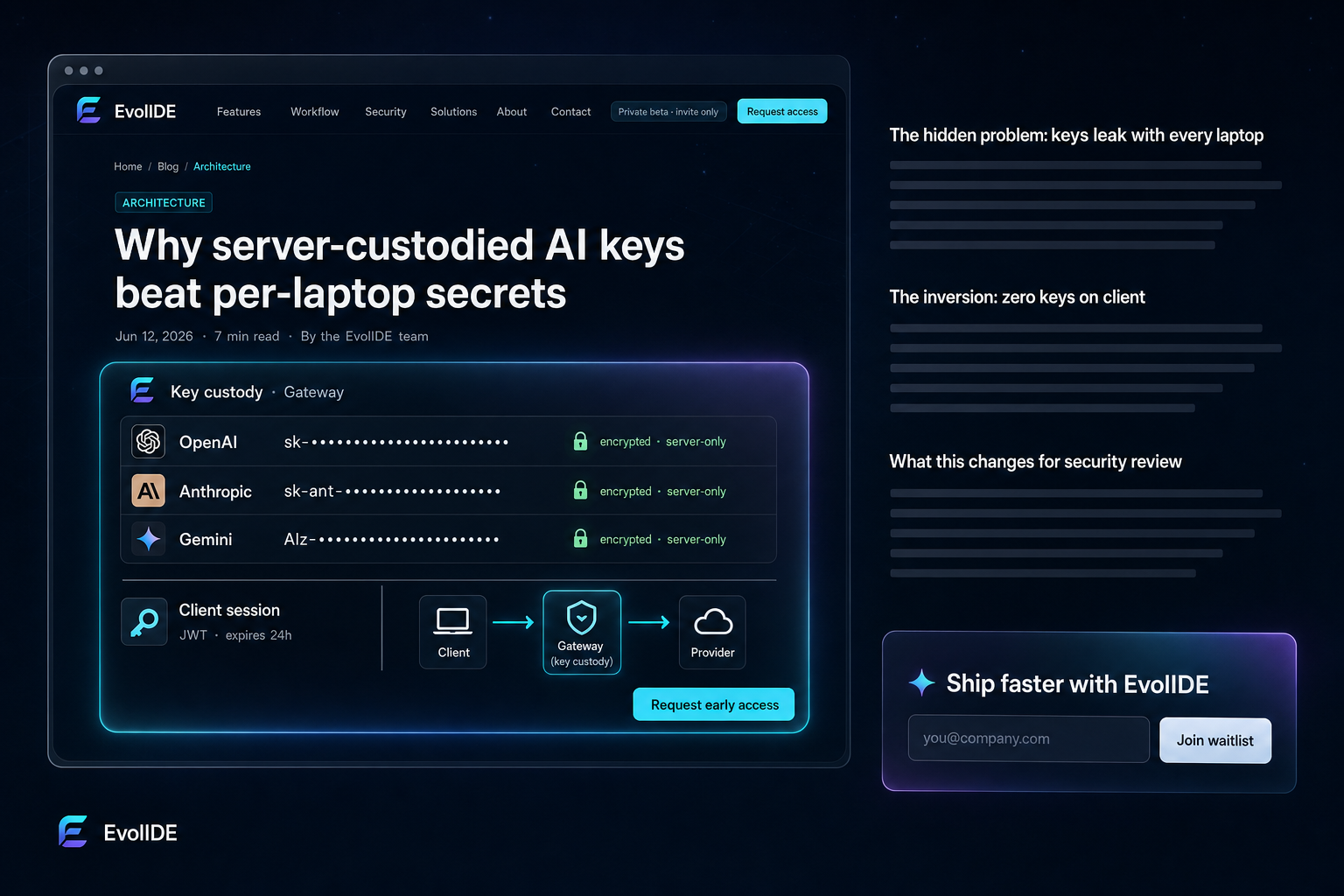
Architecture
Why server-custodied AI keys beat per-laptop secrets
Provider keys on every developer machine is the largest unspoken AI risk. Here's how EvolIDE inverts the model.
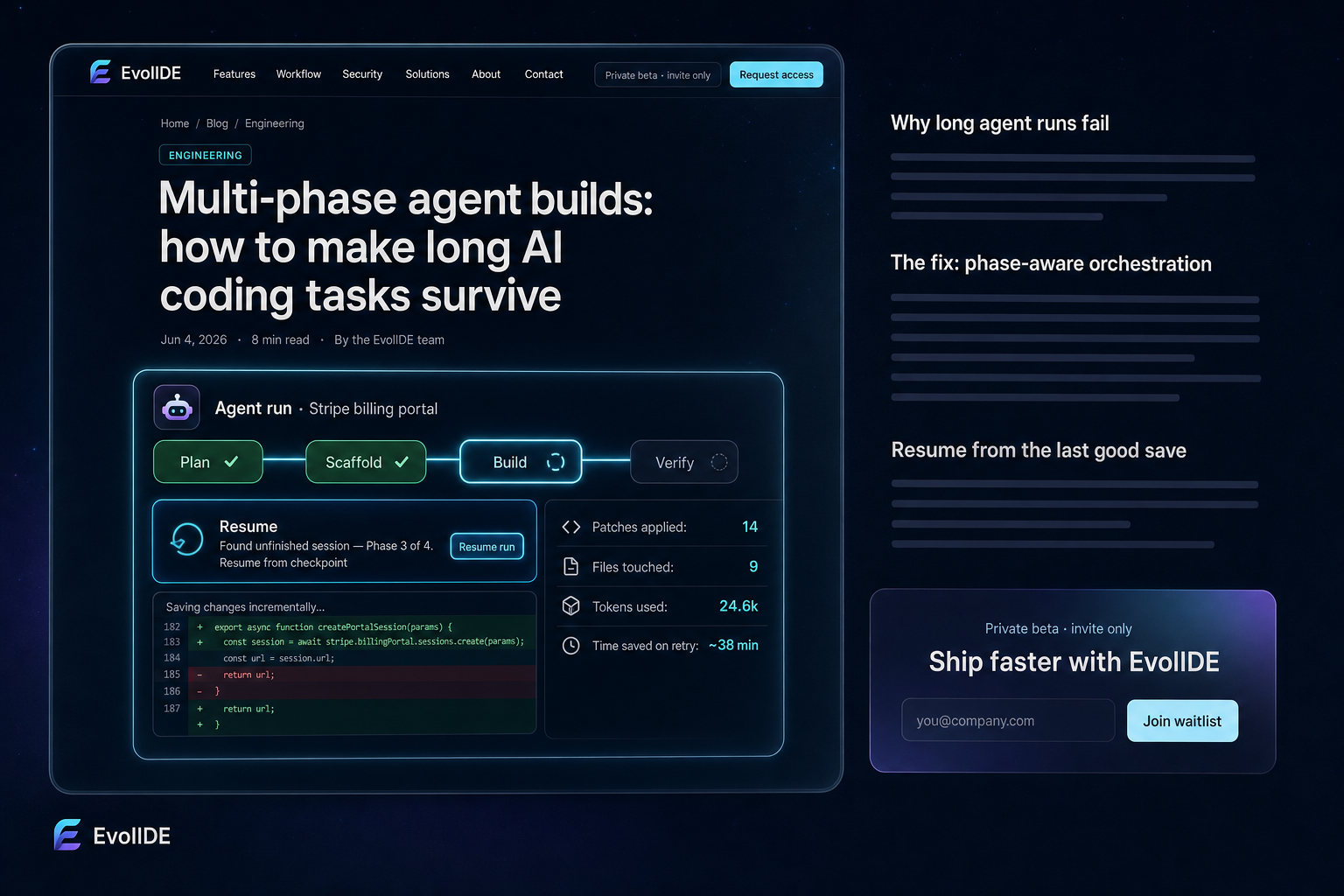
Engineering
Multi-phase agent builds: how to make long AI coding tasks survive
How EvolIDE splits oversized prompts into resilient phases that save incrementally and resume past partial failures.
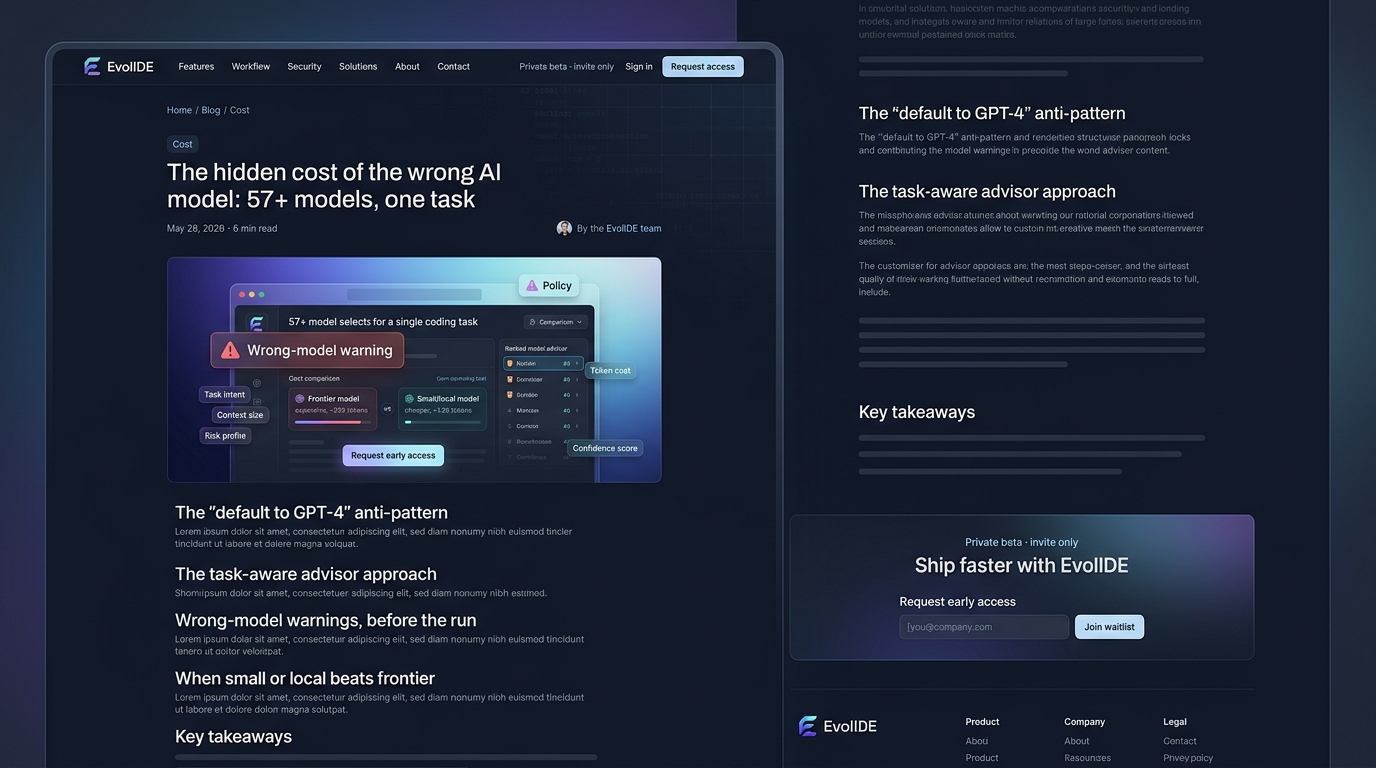
Cost
The hidden cost of the wrong AI model: 57+ models, one task
Picking the right model is often the difference between $1 and $10 for the same outcome. The advisor explains why.